
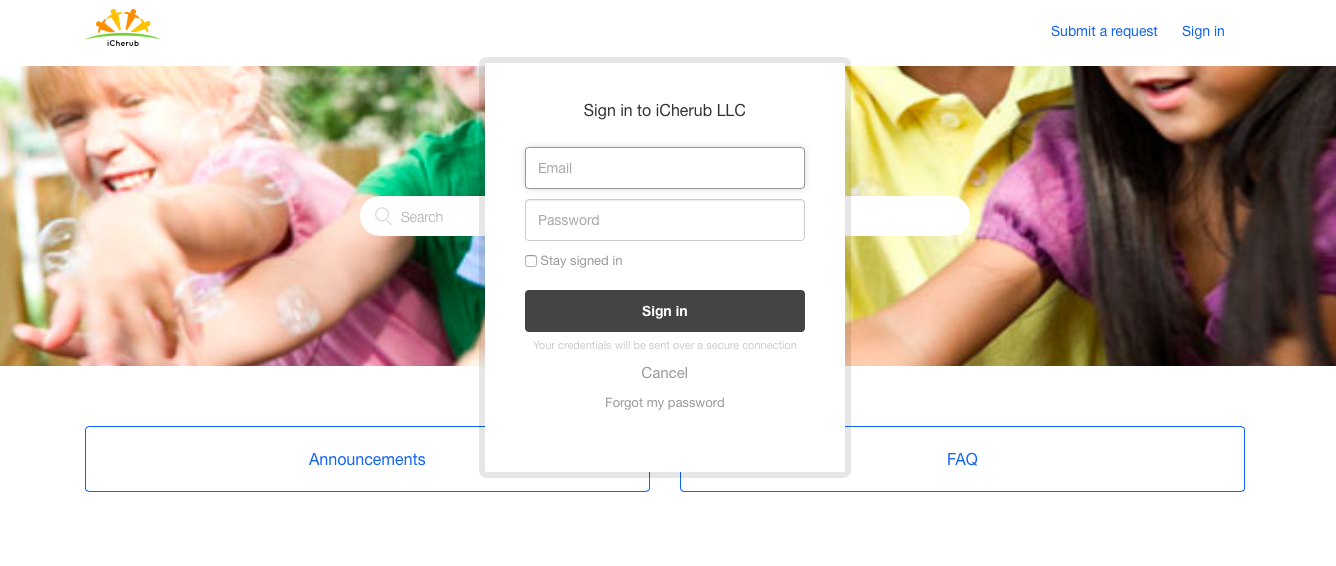
First you need to login to Help Center iCherub.Zendesk.com to view the Help & Training Documents. Login credentials required to access the Help Center. This login credential is different from iCherub Application login. If you do not have the credentials you may request one from your Center Director/Admin.
Your access to Help Center will enable you to view all the Help & Training documents and be able Submit help ticket to reach iCherub HelpDesk support team with any of your questions or support.
First you need to login as shown below screen to access Help & Training:
Comments
0 comments
Article is closed for comments.